Furry art studio
AI furry video generator
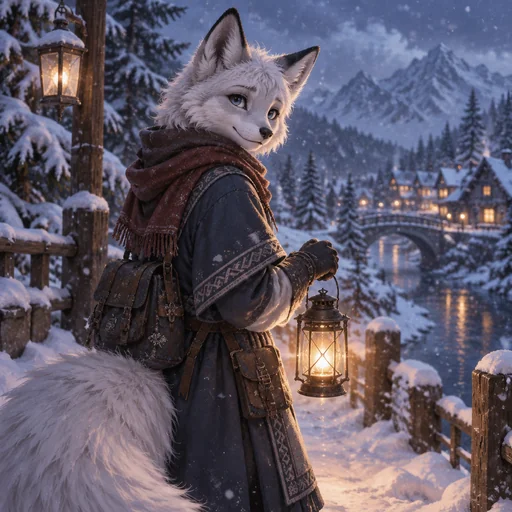
Two ways to make a clip. Type a scene, a snow fox walking through falling snow with a lantern, and the studio renders a 4 to 15 second video from text. Or open any artwork you have made and press Animate to bring that exact image to life. Clips come in standard quality at 480p or 720p and pro quality up to 1080p, with optional generated audio. Rendering usually takes one to three minutes and the result lands in My Art.
Make a videoDescribe it or pick an artwork
Text to video from a prompt, or Animate on anything in My Art.
Choose quality and length
Standard or pro, 480p to 1080p, 4 to 15 seconds, audio on or off.
Render and share
Clips render in the background, then play on your creation page.
- ●Text to video and animate-your-art in one studio
- ●4 to 15 second clips, 16:9, 9:16, 1:1, 4:3, or 3:4
- ●Standard quality from 4 credits per second; pro up to 1080p
- ●Credits are refunded if a render fails
Styles that suit this
Made by the community

I want a playable video game
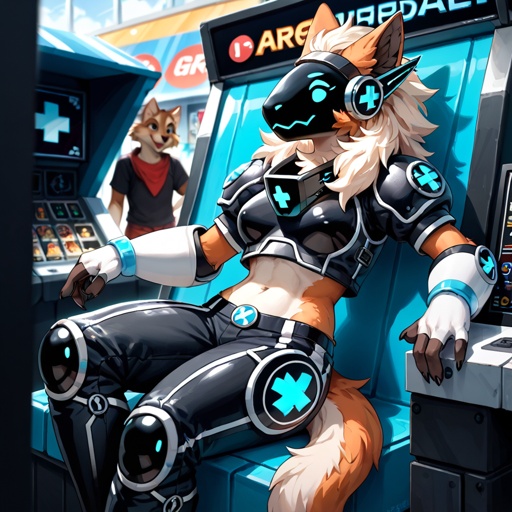
A well made pansexual female Protogen plays video games in the arcade.
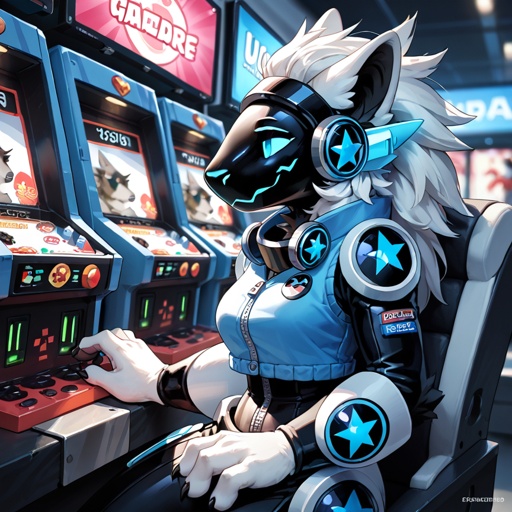
A well made pansexual female Protogen plays video games in the arcade.
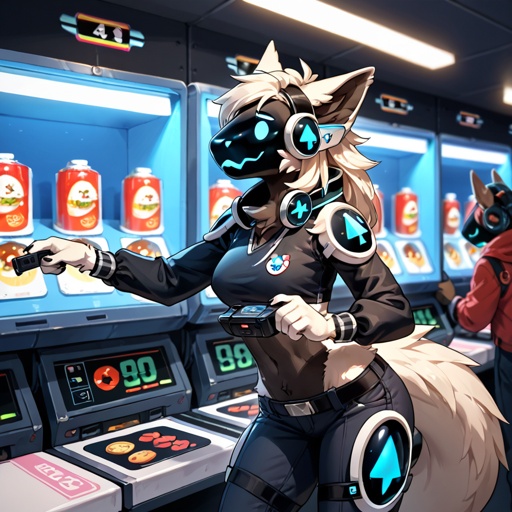
A well made pansexual female Protogen plays video games in the arcade.
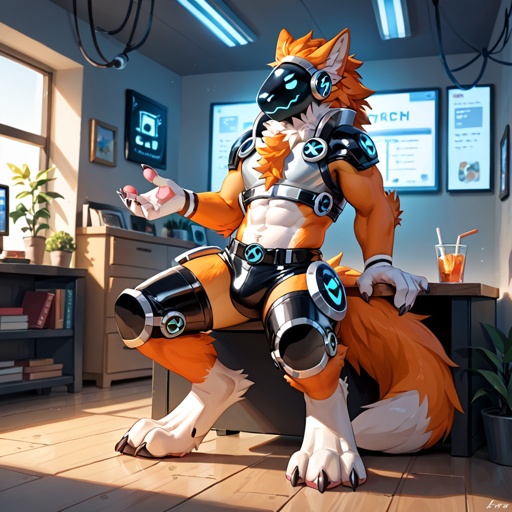
A well made pansexual male Protogen plays video games in the game room.
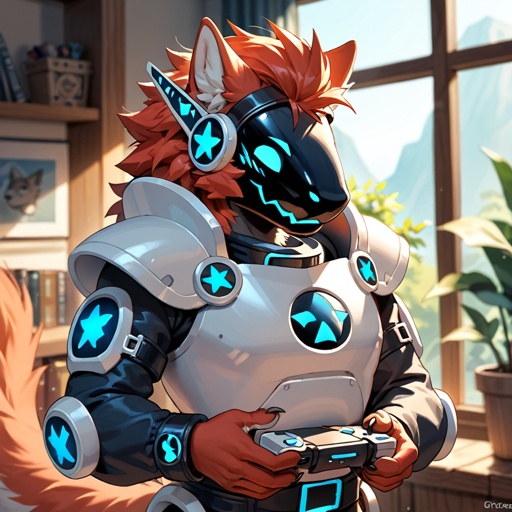
A well made pansexual male Protogen plays video games in the game room.
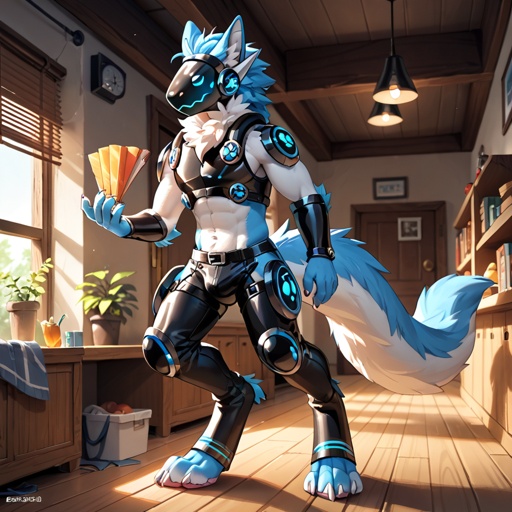
A well made pansexual male Protogen plays video games in the game room.
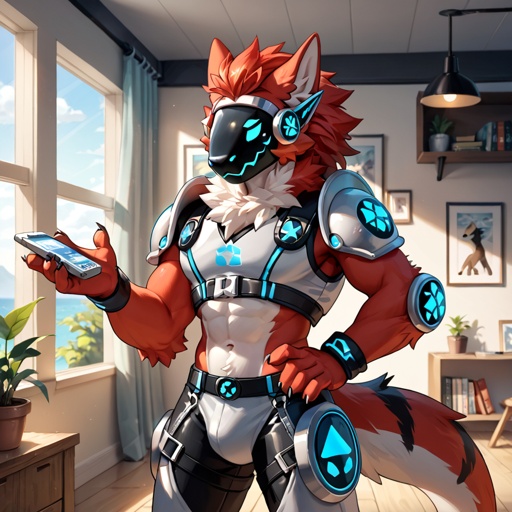
A well made pansexual male Protogen plays video games in the game room.
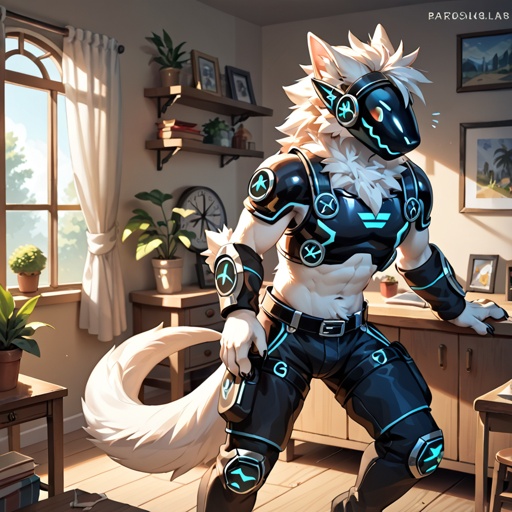
A well made pansexual male Protogen plays video games in the game room.
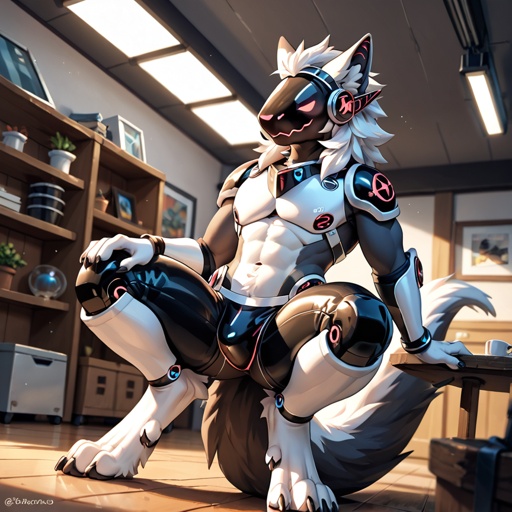
A well made pansexual male Protogen plays video games in the game room.
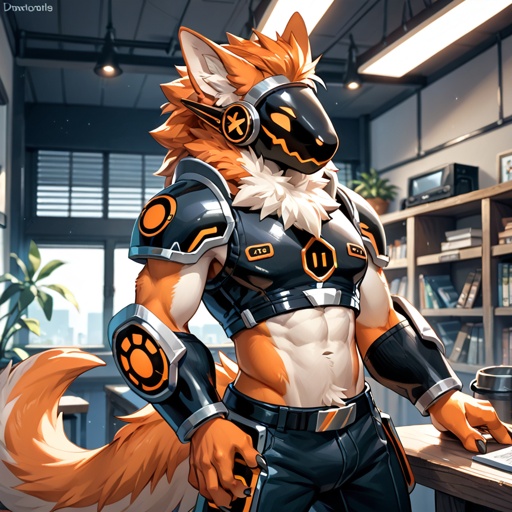
A well made pansexual male Protogen plays video games in the game room.
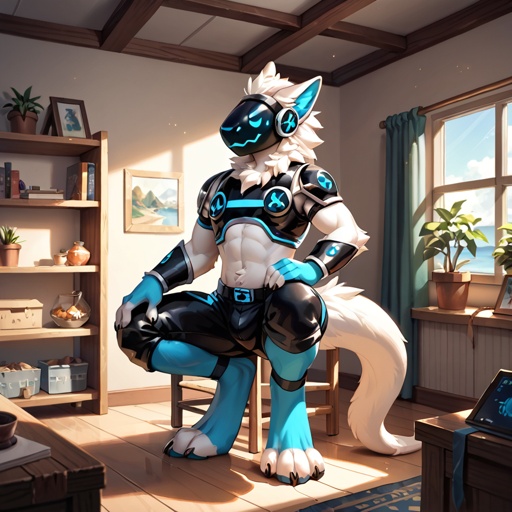
A well made pansexual male Protogen plays video games in the game room.